Before SiteRelay changes a site, it saves a restore point: a copy of the tables the job is about to replace, and of the files it's about to replace or move aside. As long as that restore point is kept, the job can be undone.
| This job… | …saves a restore point on | Undo button |
|---|---|---|
| Pull | this site | Undo pull |
| Push | the site it went to | Undo on that site (here), or Undo this push (there) |
| Import | this site | Undo import |
| Restore from a backup | this site | Undo restore |
| Find & replace (applied, not a preview) | this site | Restore |
| An undo | this site | Restore, next to Changed your mind? Undo this restore. |
Exports, backups and previews change nothing on the site, so they don't need one.
Find the job in History
History lists every backup, migration, export, import, find & replace and restore on the site, newest first, with when it ran, how long it took and what it did. Filter by type or status at the top. A job that can still be undone shows that it has a restore point.
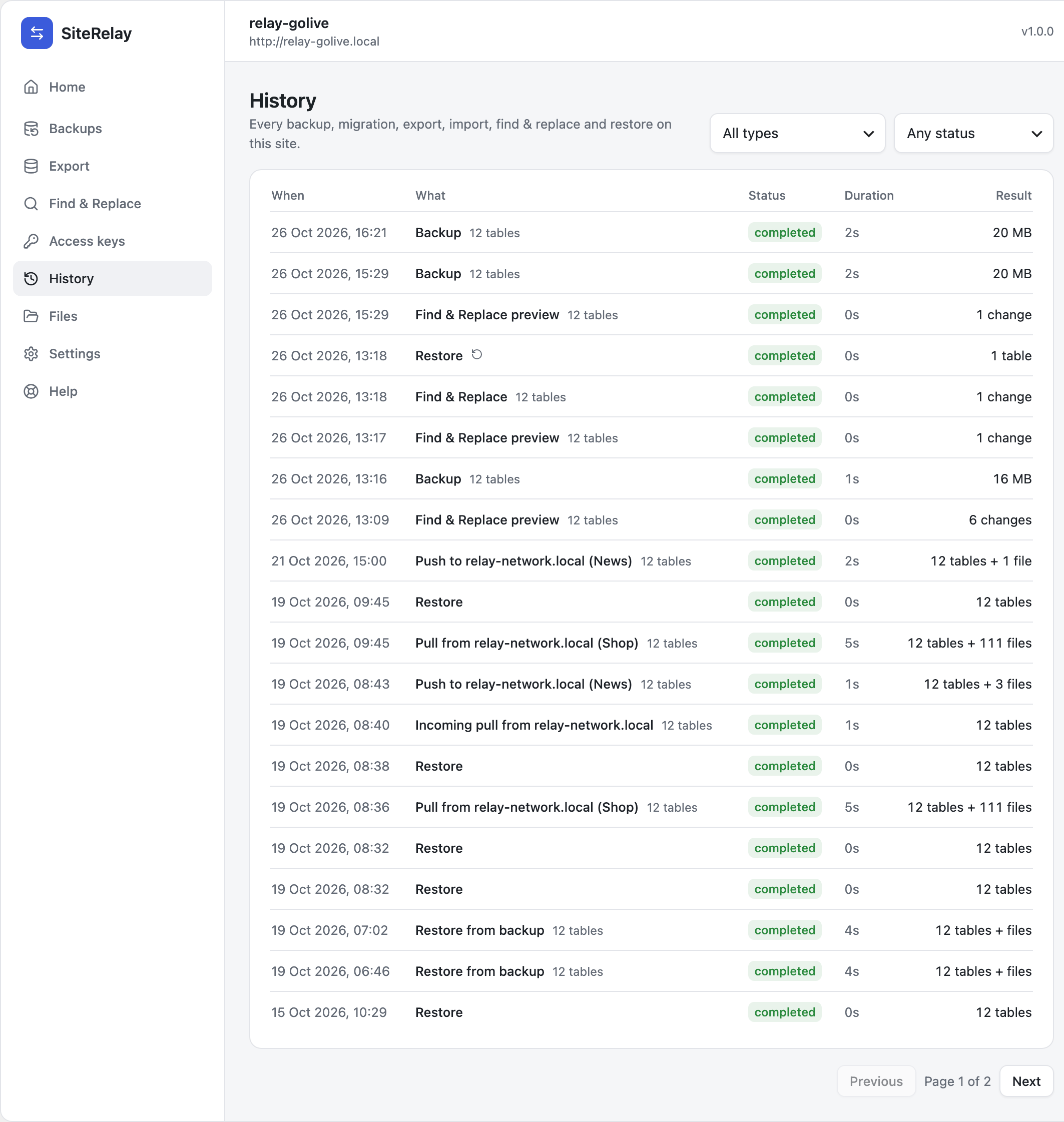
Click a job to open its page, with the result, every step, the details and an activity log. Download report saves all of it as a file, which helps when you're asking someone for help.
Undo a job
- Open the job from History.
- Click its undo button, such as Undo pull or Restore.

- SiteRelay says what will happen. For example: The tables go back to how they were before this job. Anything changed in them since then is lost. Click Restore tables to go ahead, or Keep current data.

The undo runs as a job of its own and ends with Restore complete, listing what it restored.
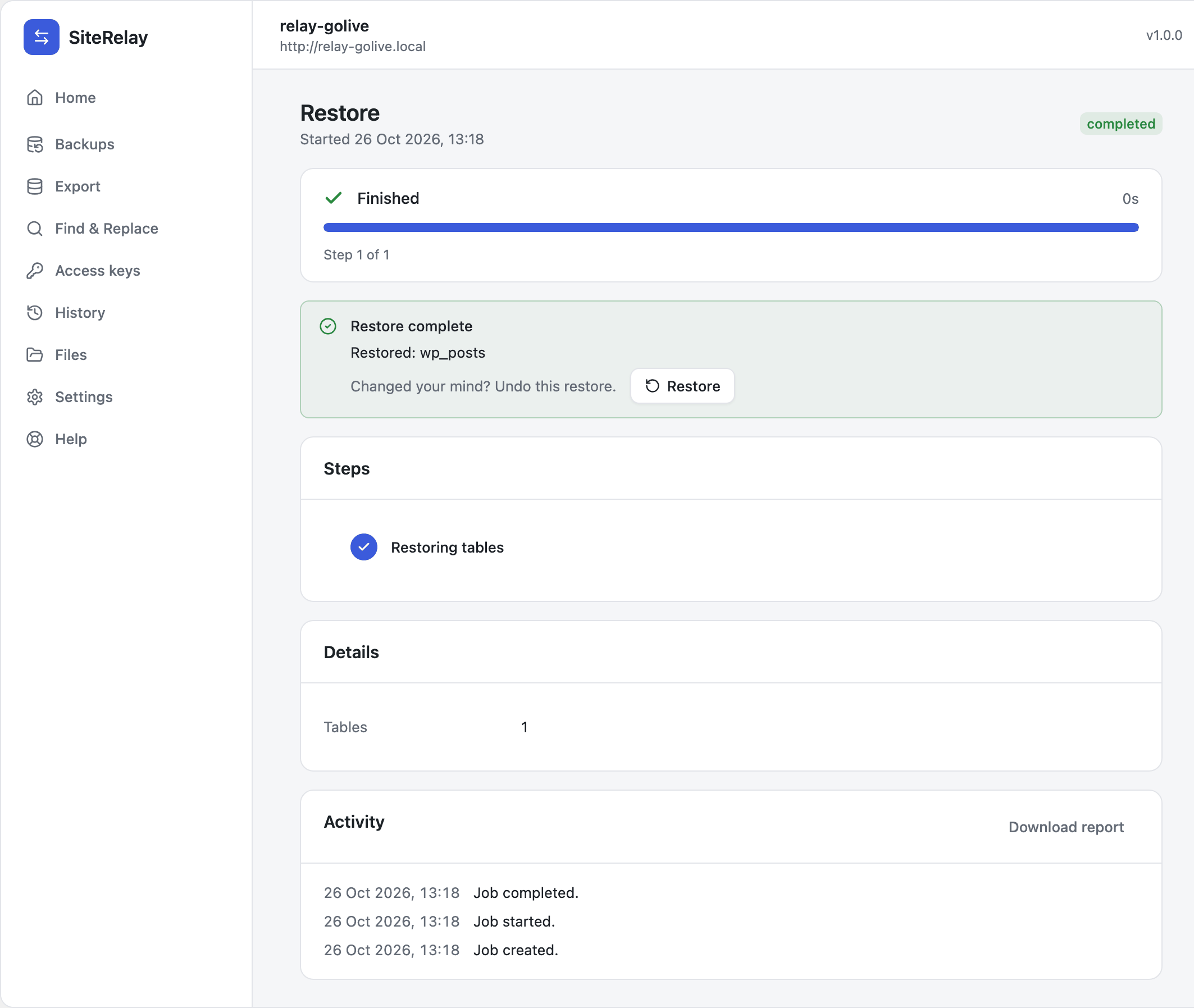
The undo is undoable too. Before it puts the old tables back, SiteRelay keeps the current ones as a new restore point. Changed your mind again? On the undo's page, click Restore next to Undo this restore.
If the undo brings back different users, you're logged out. SiteRelay takes you to the login page: log in with an account the site had back then.
How many restore points are kept
SiteRelay keeps the 2 newest restore points, and deletes older ones automatically. Once a job's restore point is gone, that job can't be undone.
- Change the number (0 to 10) under Settings → Retention → Restore points to keep. Each restore point is a full copy of the tables that job changed, so more restore points use more space.
- None (no undo) keeps none at all. Only choose it if disk space is really tight.
To see them, or to free space, go to Files → Restore points. Each one says which job it came before. Deleting one means that job can no longer be undone.
What can't be undone
- Uploads copied in low-disk mode. That mode writes uploads straight into place without keeping the old ones. SiteRelay warns you when you switch it on.
- Changes made after the job. An undo puts the job's tables back as they were before the job, so anything changed in those tables afterwards is lost. Undo soon, or make a backup first.
- Deleted backups and exports. Deleting a file from the server is final.