Find & Replace changes text everywhere in the site's database: post content, settings, widgets, page-builder data, anything. Use it to switch a site from http:// to https://, swap an old company name for a new one, or fix a link that's on hundreds of pages.
Many plugins store data in serialized form (and some as JSON). A plain search-and-replace in the database breaks that data whenever the new text is a different length. SiteRelay keeps both intact.
1. Say what to change
- In SiteRelay, go to Find & Replace.
- Fill in Find and Replace with.
- Need more than one change? Click Add another pair. Pairs run top to bottom, so a later pair sees what earlier ones changed.
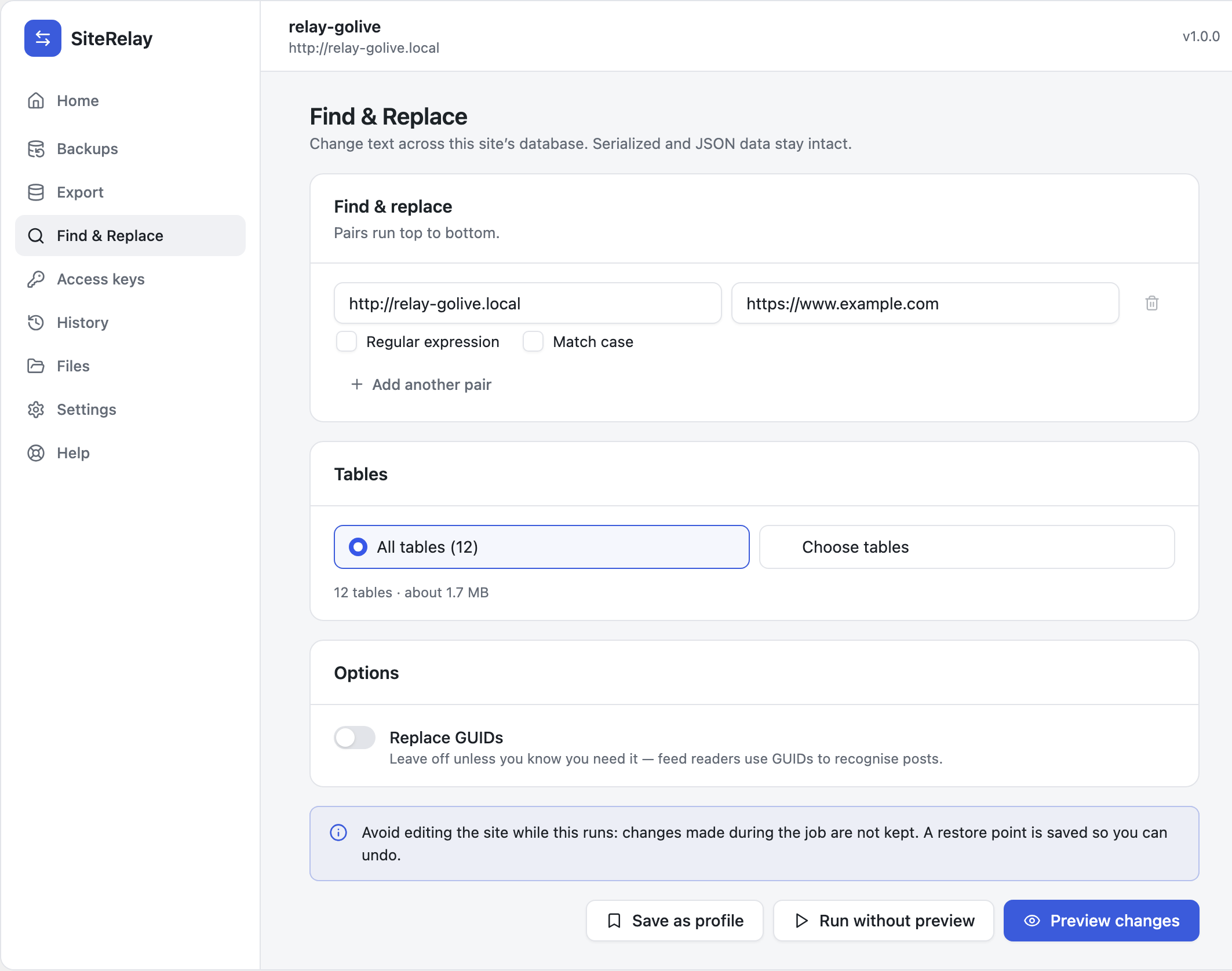
Each pair has two options:
- Match case: off by default, so
Examplealso findsexample. - Regular expression: for patterns. Use PHP syntax with delimiters, such as
/old\.example\.com/i. SiteRelay tells you right away if the pattern isn't valid.
Tables: All tables is right almost every time. Choose tables limits the change to the ones you tick.
Replace GUIDs: leave it off unless you know you need it. Feed readers use a post's GUID to recognise it, and changing it can make old posts show up as new.
2. Preview
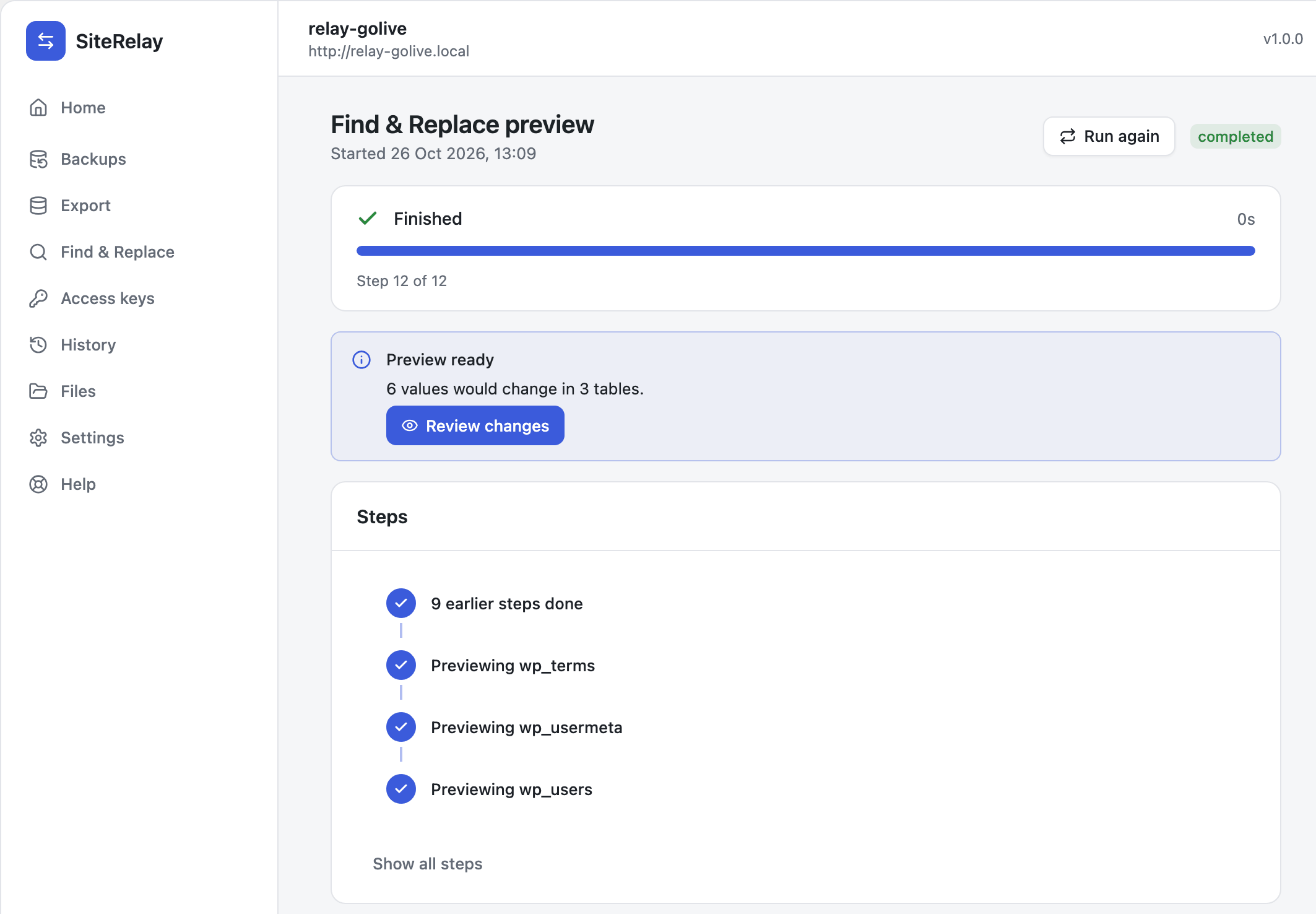
Click Preview changes. SiteRelay goes through every table and counts what would change, without changing anything.
When it says Preview ready (6 values would change in 3 tables), click Review changes.
 For each table and column you see how many values would change, with examples showing each row before and after.
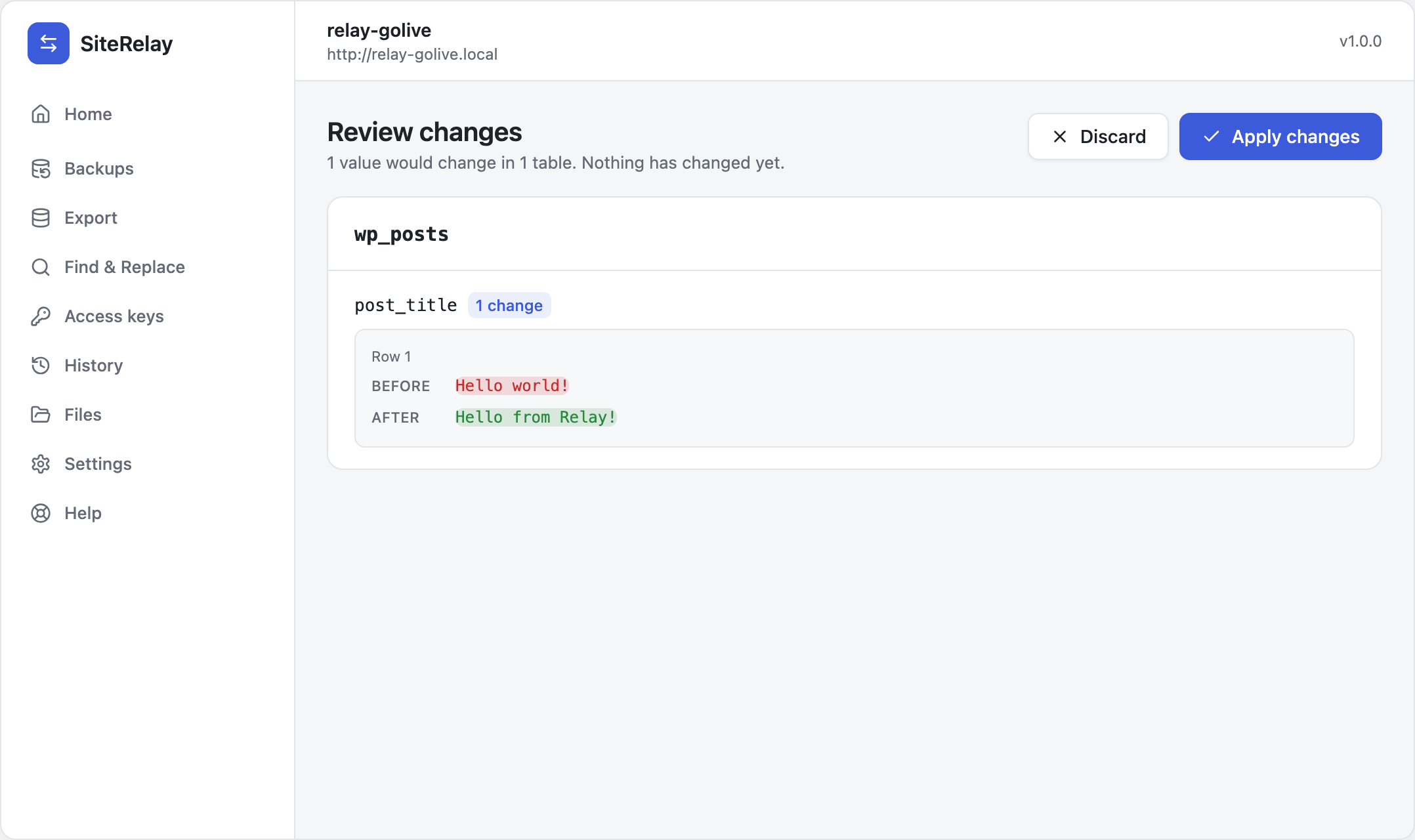
Look through it. If something's caught that shouldn't be, click Discard, adjust the pairs, and preview again.
3. Apply
Click Apply changes. SiteRelay saves a restore point of the tables, makes the changes, and says how many values changed.

Avoid editing the site while it runs. Changes made during the job aren't kept.
In a hurry? Run without preview skips step 2. SiteRelay asks once more (Run without a preview?), then applies the changes straight away. The restore point is saved either way.
Undo it
On the finished job, click Restore, then Restore tables. The tables go back to how they were before. See Undo anything.
Change only a downloaded copy
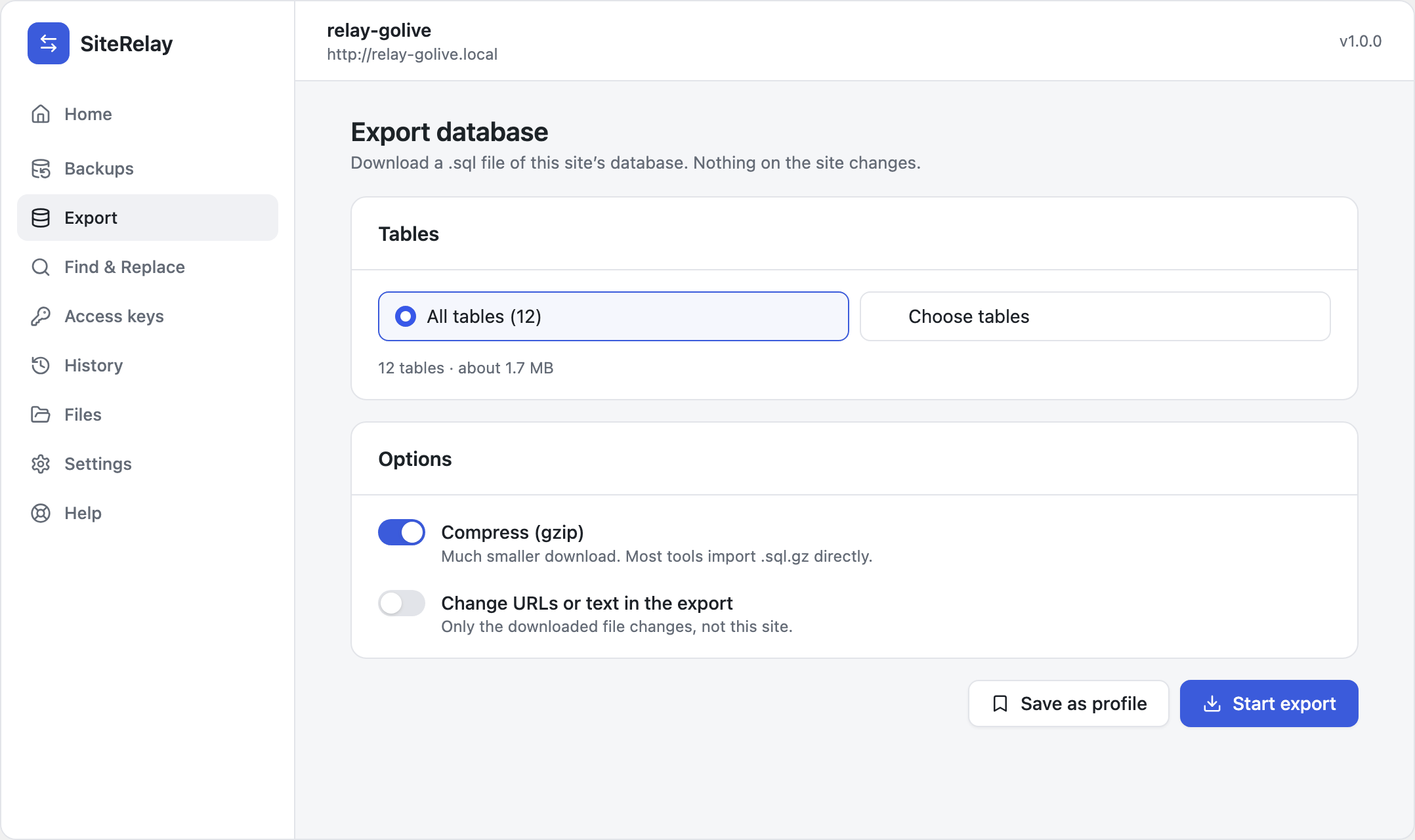
To change URLs in an export without touching the site, go to Export, switch on Change URLs or text in the export, and add pairs there. Only the downloaded .sql file changes.